

A pretend café has a new menu, a toy customer is waiting, and someone wants to send a photo to the grandparents. Before the picture leaves the device, agree what you want to share and who should see it. “A family photo” can mean different things to the adults in the room.
This small planning exercise starts with one ordinary play photo. The examples are invented. You can use the questions without taking a picture, and keeping a moment off the internet is always an option.
Start with the message you want to send
Finish this sentence: “I would like to show ______ to ______.” Be specific. You might want to show a grandparent the toy café menu, rather than send a wider update about your child's day.
That choice gives you something to discuss before reaching for the camera. An adult might say, “I would like to send Nan a picture of the menu you made. Would you like to show it to her another way?” Your child might prefer describing it on a call or keeping the paper for the next visit.
If you are making a toy picture story, the pictures can stay part of that story. Making a page and sharing it outside the household are separate decisions; finishing the page does not create a job to post it.
Check the people, then choose the audience
The eSafety Commissioner's privacy guidance for parents recommends involving children in photo-sharing choices and checking with other parents before sharing images that include their children. It also warns that pictures sent in a private chat can be copied and posted more widely.
Name the intended recipients together. “Nan and Pop in one message” is clearer than “the family”, especially if your usual family group includes people who were not part of this conversation. Check the actual recipient list before sending.
Try two separate questions: “Are we taking a picture?” and “Are we sending this picture to these people?” Leave room for different answers. If someone is unsure, leave the message unsent while you work out what they are comfortable with. A cheerful play session does not need to end with a photo decision.
Look at the whole picture and caption
The same eSafety parent guidance advises avoiding identifying details such as full names, school uniforms, locations and routines. Check the image, its caption and location information; an account's privacy setting does not settle every sharing question.
For this exercise, look first at what you meant to show, then at everything around it. Imagine explaining the picture to the person receiving it. Which details belong to the toy story, and which details describe the real household?
A toy's invented café name might be part of the game. A real name written on a parcel behind the café is a different detail. Keep those two kinds of information separate when deciding what belongs in your message.
Work through one made-up café photo
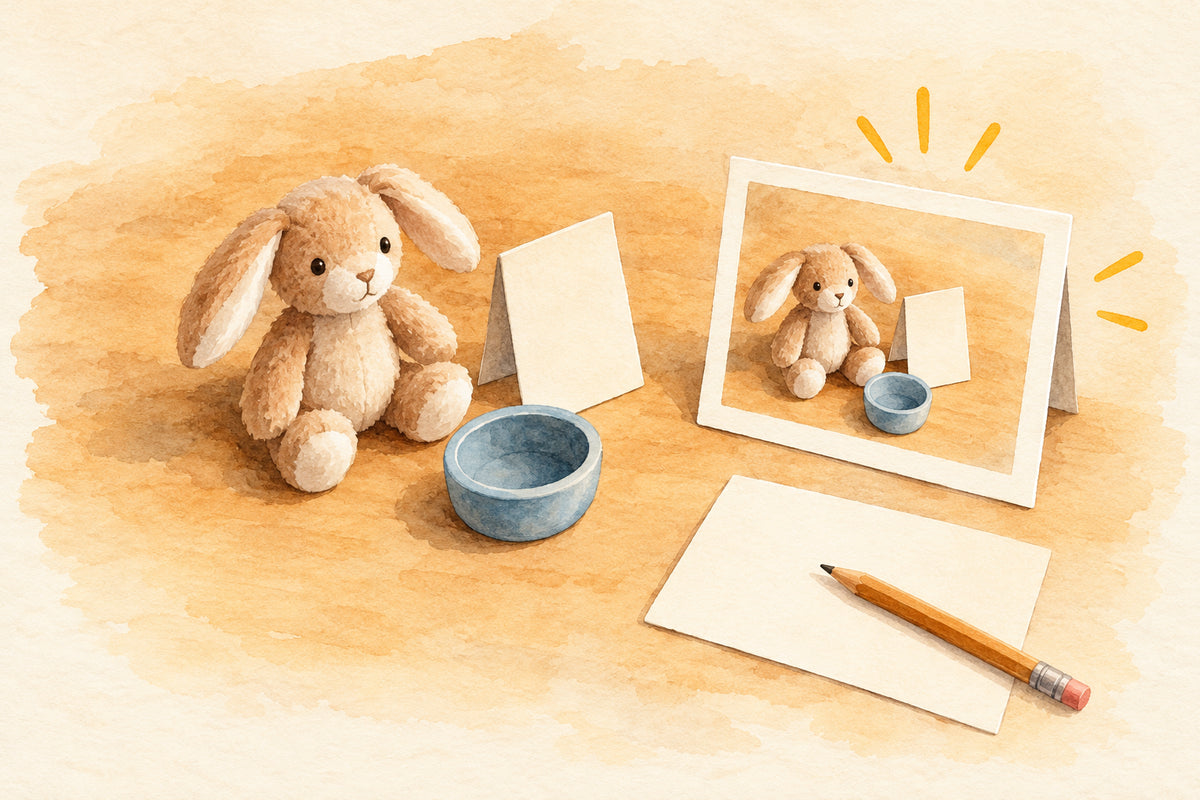
Here is an invented example, not an account of a family we have photographed. Two children have made a café for Rabbit and Fox. One adult wants to show the handwritten pretend menu to the grandparents.
The first idea: send a wide picture of the whole game. While looking at it, the adults notice that it includes both children and a delivery label in the background. They have not agreed to share that picture.
The revised idea: ask whether the children would like to show the menu on its own. They choose a new picture of the paper menu beside Rabbit. The adults still review that picture and its wording before deciding whether to send it. A picture containing only toys is not an automatic privacy guarantee.
The message: “Rabbit's café has a new menu.” They agree which grandparents will receive it and ask them to check before forwarding it elsewhere. The message describes the imaginary café without adding a real child's name or a regular playgroup time.
The other possible ending: nobody sends a picture. The menu goes beside the toy café until the next visit. That still fulfils the children's wish to keep their game; there is no unfinished sharing task.
Keep the agreement short enough to use
If several adults take photos, a brief shared note can record the decision for this particular picture:
- Picture: which exact image are we discussing?
- People: who needs to be included in the decision?
- Audience: who have we agreed will receive it?
- Further sharing: what should recipients check with us before doing?
Use the note as a conversation aid, not a promise that other people cannot copy an image. If the proposed picture, caption or audience changes, return to that changed detail instead of assuming the earlier answer covers it.
eSafety's photo and video consent guidance says people can change their minds and asks others to respect removal requests. If someone asks you to take down a picture you shared of them, act on that request. You can also ask recipients to stop forwarding it, while recognising that this cannot guarantee every copy disappears.
For the next play session, begin with the game itself. A photo, a drawing, a spoken story and no record at all can be different choices on different days. Decide about the actual picture in front of you rather than creating a standing expectation that every good moment must be shared.